
exViewerImage.cpp
Preview an image with Viewer. Open the authored ML cover in OA’s native Vulkan viewer, inspect it on the navigable canvas, and move into fullspace presentation.
ExSDK source-ownedC++Vision
Source
Vision · Vulkan presentation
Example
1#include <oa/ui/viewer.h>2#include <oa/core/paths.h>34// ─── main ──────────────────────────────────────────────────────────────────56int main(int argc, char** argv) {7 const oa::String defaultPath =8 oa::Paths::asset("image/coverMl.jpg").string();9 const char* path = (argc > 1) ? argv[1] : defaultPath.cStr();1011 oa::Viewer viewer(path);1213 return viewer.run().isOk() ? 0 : 1;14}15
Present
These captures document the interactive window, canvas, input, and swapchain surface reached through the presentation path.

OA Viewer · Presented state
Fullspace
The authored ML cover presented edge to edge, with the Viewer shell receding around the image.
2560×1440 · JPEGSHA-256 0bbc51387367e672…sdk/cpp/tutorials/vision/tuViewerImage.cpp · Viewer capture 2026-08-31
OA Viewer · Presented state
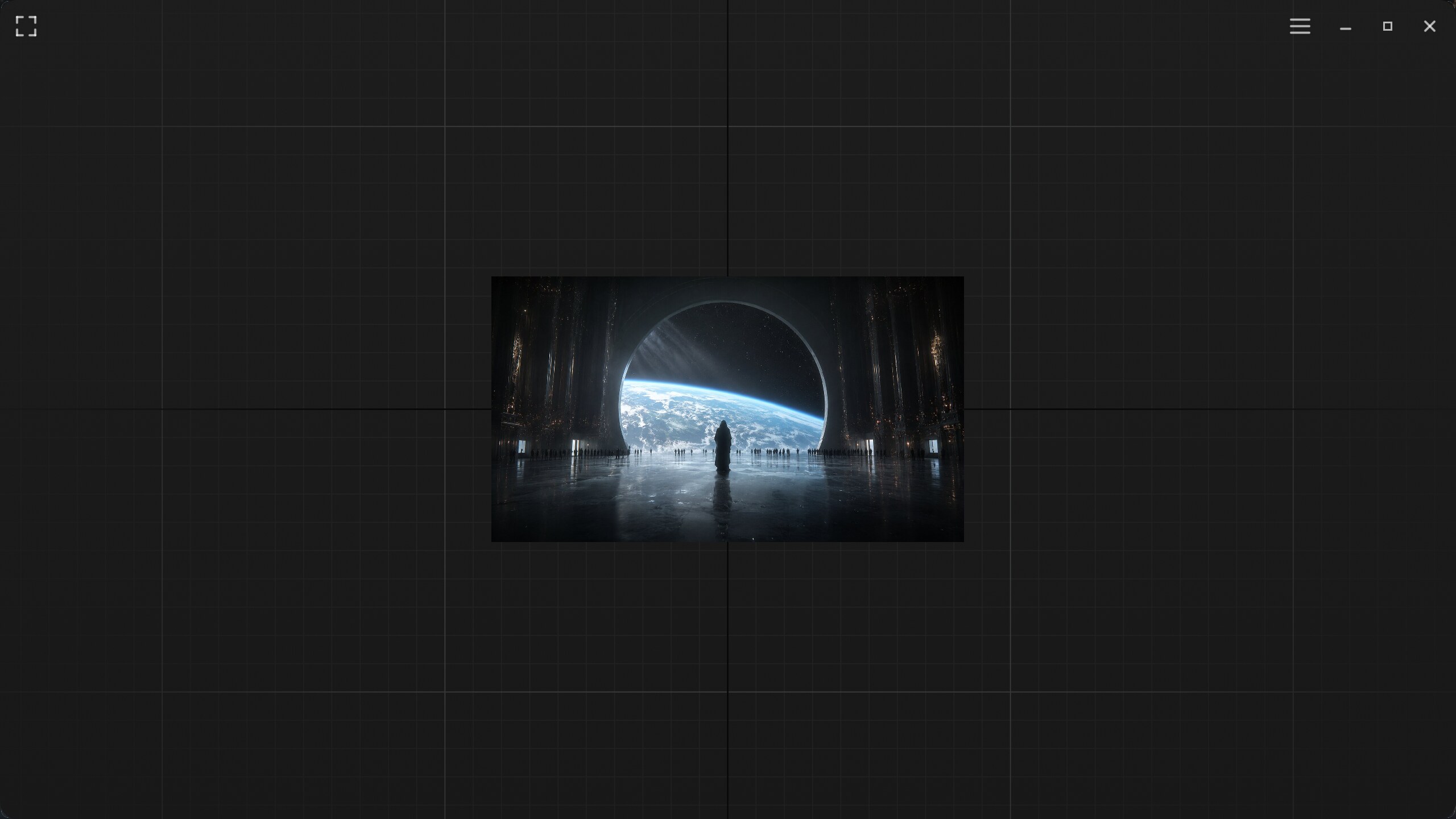
Canvas
The same decoded image fitted on the navigable grid for spatial context while panning and zooming.
2560×1440 · JPEGSHA-256 7e55a457e9235fb8…sdk/cpp/tutorials/vision/tuViewerImage.cpp · Viewer capture 2026-08-31