
Viewer
Inspect images, video, audio, and live GPU output in one native presentation tool with a quiet shell, a spatial canvas, and media-aware controls.
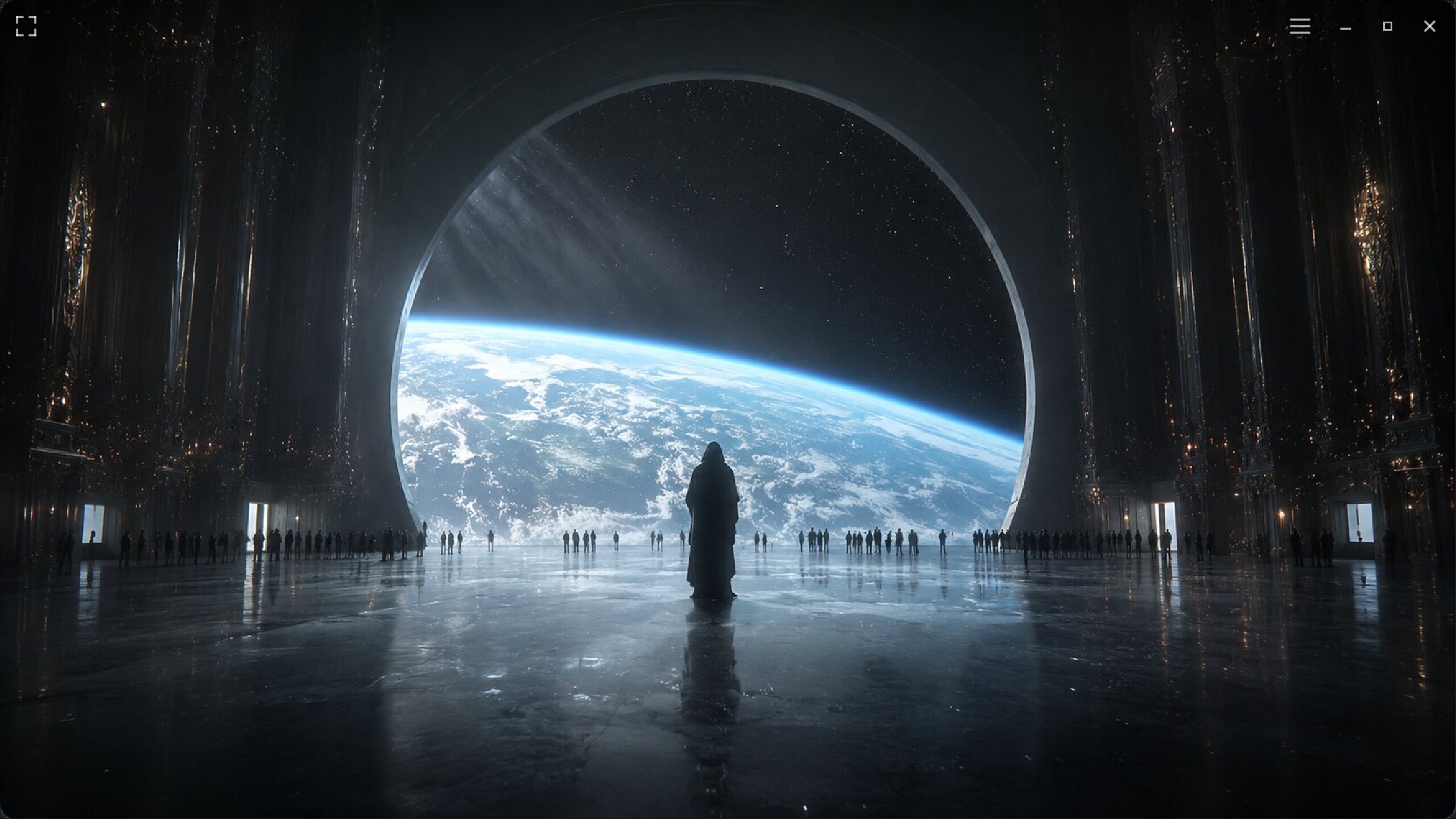
Image · Fullspace
The current presentation checkpoint gives the content the entire window while the GNOME-inspired shell stays available at the edges.
A canvas, not a frame
Fit media for context, zoom through native detail, pan without chrome competing for space, then move into fullspace presentation. The grid keeps scale and position legible without turning Viewer into an editor.
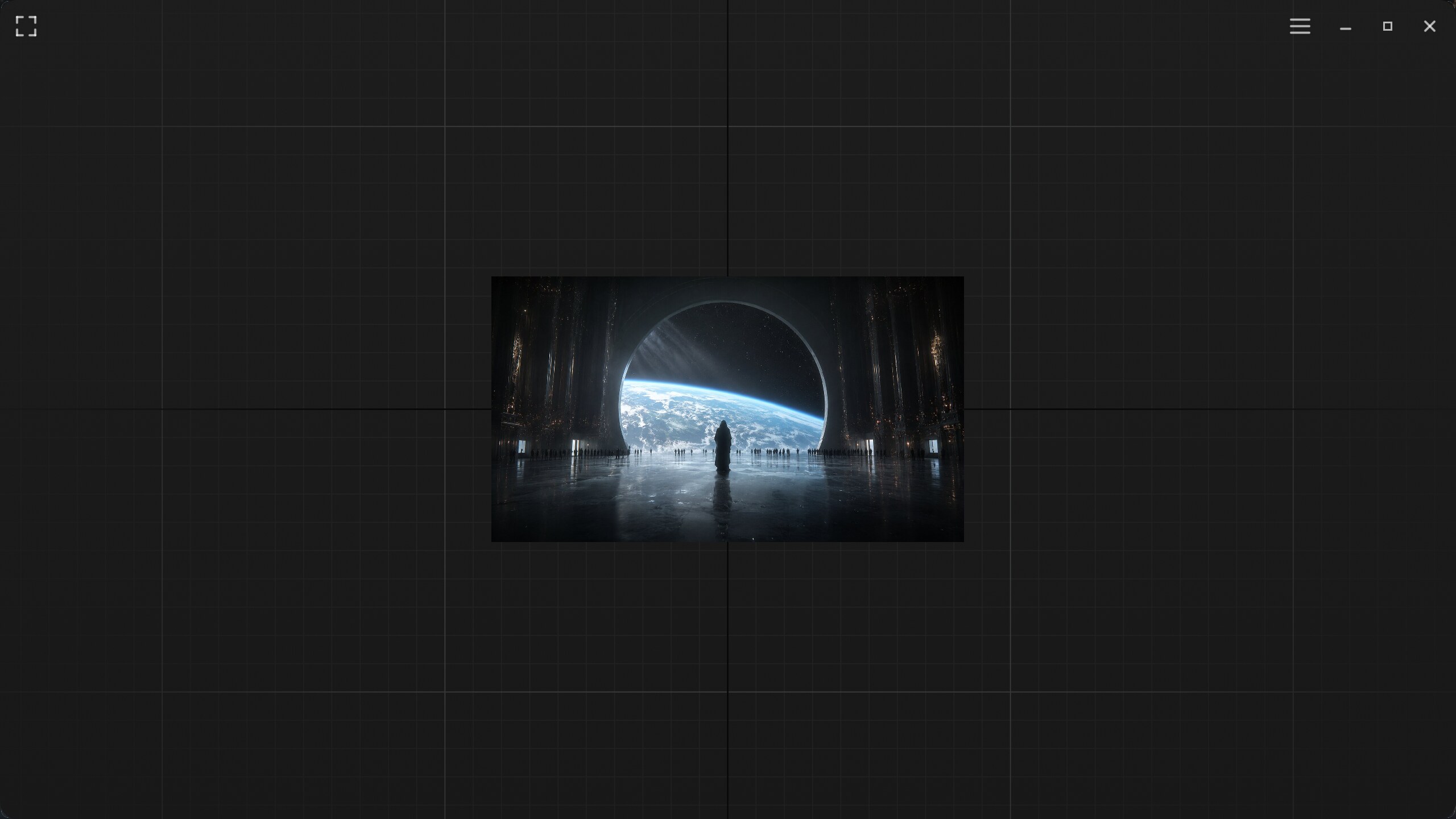
Image · Canvas
Fit-to-view preserves the image bounds and leaves the surrounding navigation field visible.
Canvas · Interaction
Zoom, pan, playback, and fullspace transitions in a 21.1-second 720p30 capture.
Video playback
Decoded frames retain their media timing and semantic image contract. Viewer adds a compact transport, stream identity, mute, brightness, and the same canvas/fullspace movement used for still images.
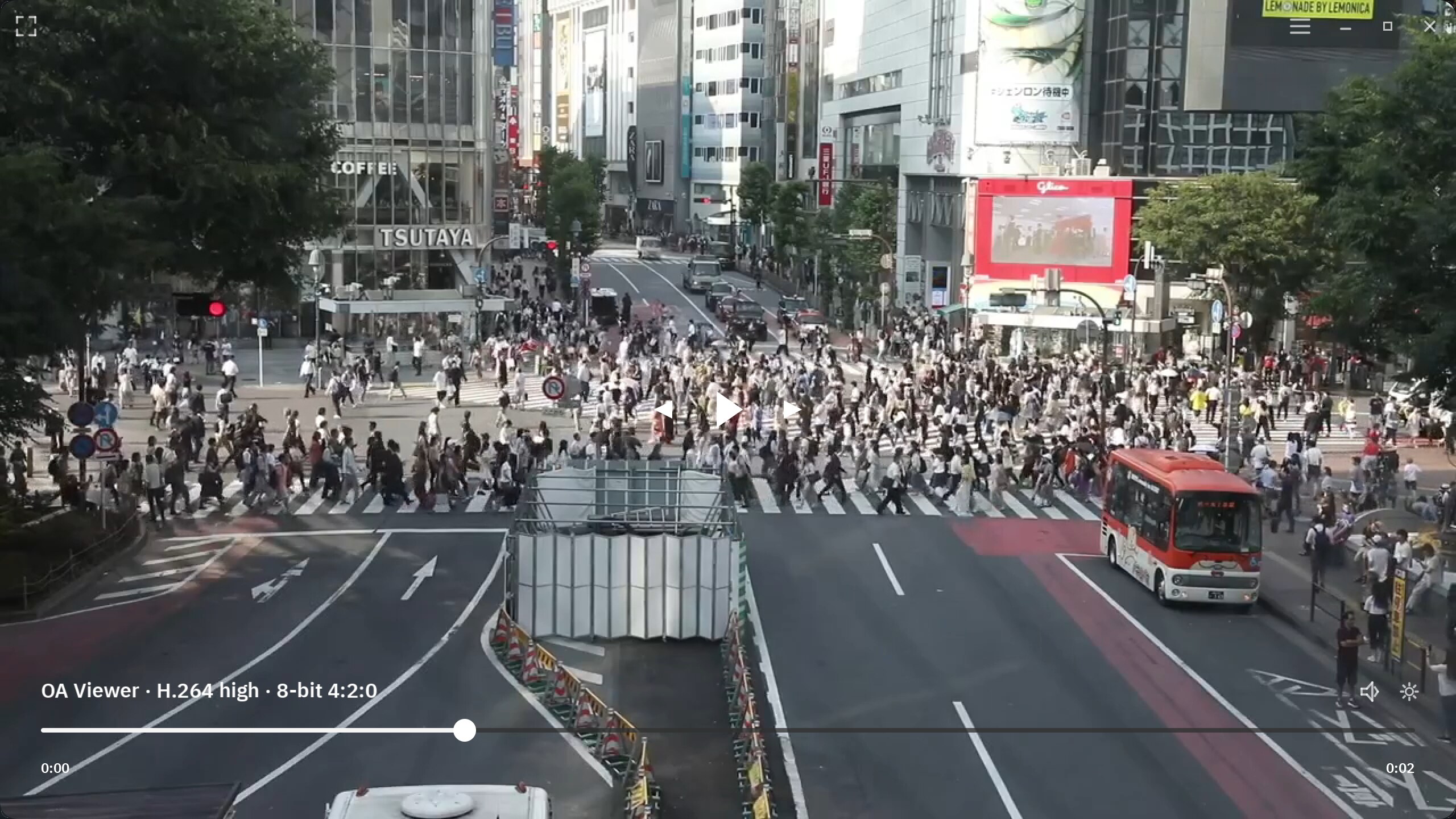
Video · Fullspace
Playback controls float over the decoded image and recede into the presentation surface.
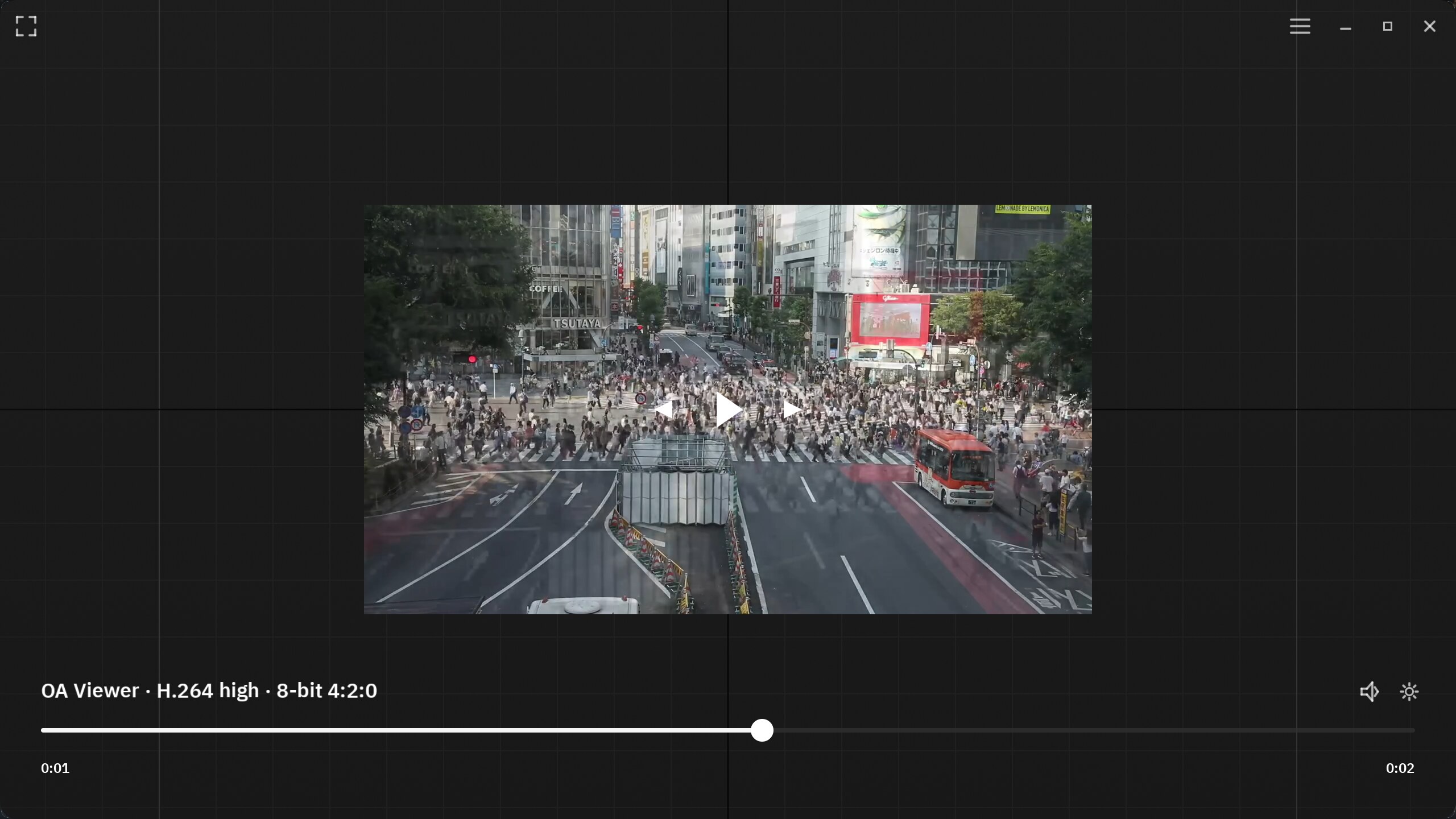
Video · Canvas
The same timed stream can be reduced and navigated without leaving playback mode.
Audio, three ways
A single transport can move between waveform, spectrogram, and mel-spectrogram views. Each mode keeps the same playhead and media controls while changing the inspection surface.
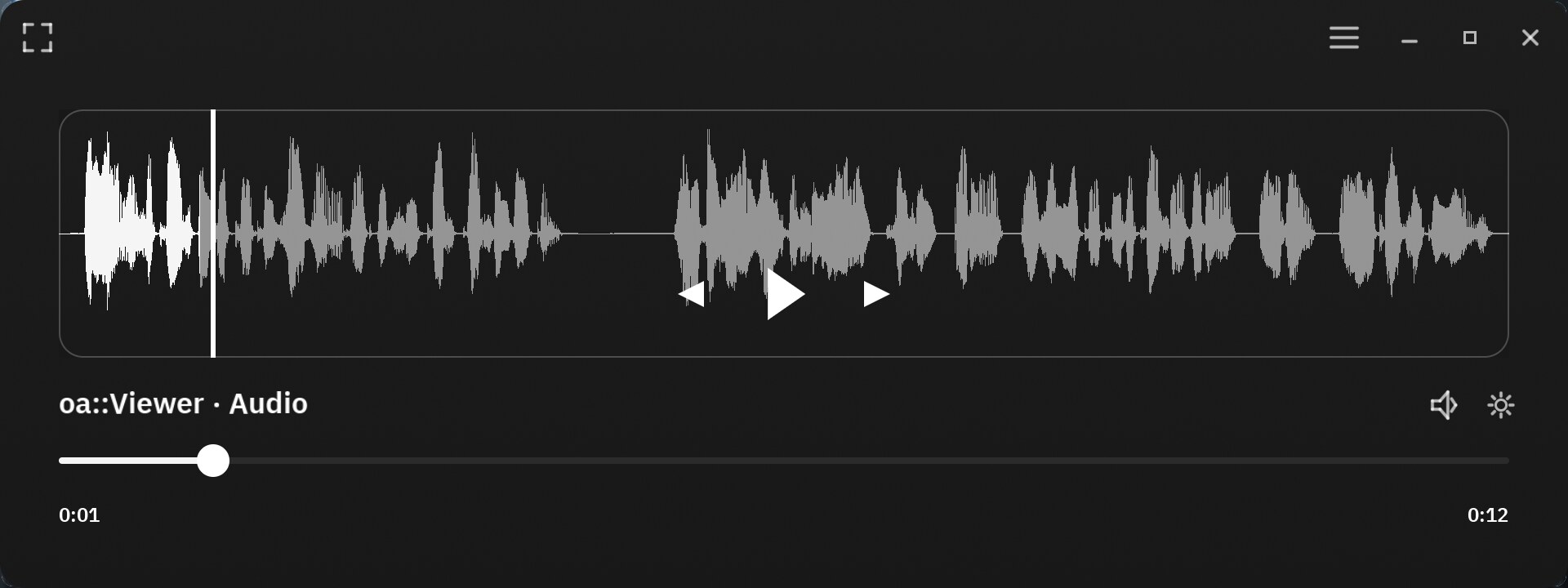
Audio · Waveform
Amplitude over time for fast navigation and transient inspection.
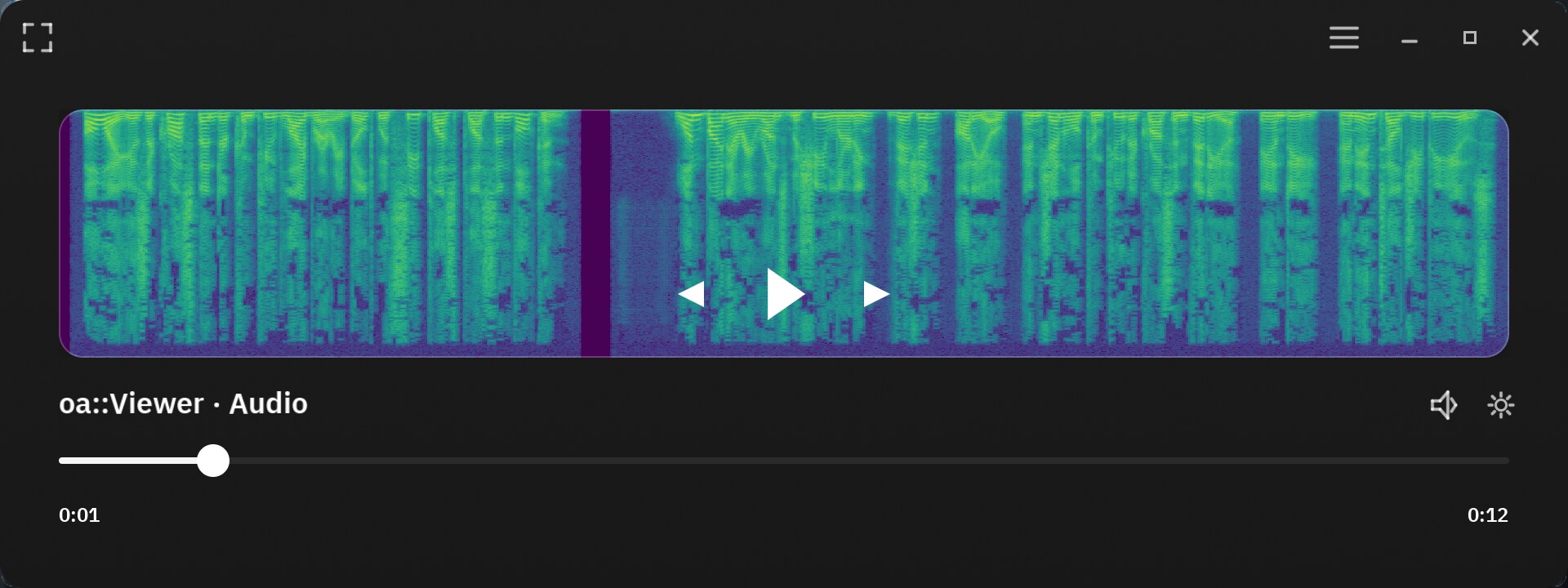
Audio · Spectrogram
Linear-frequency energy rendered as a time-frequency field.
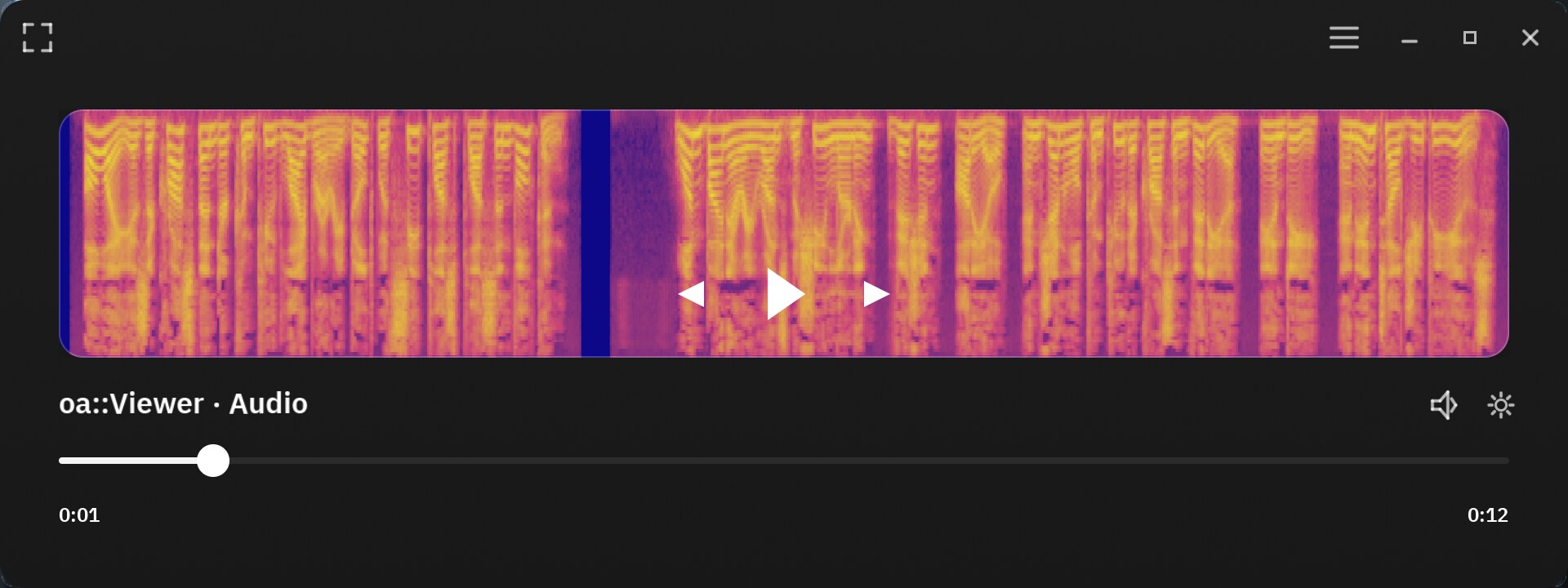
Audio · Mel spectrogram
Perceptual frequency spacing for speech and learned-audio inspection.
Use Viewer
| Input | Action |
|---|---|
Scroll wheel | Zoom in or out |
Drag | Pan the canvas |
+ / - | Keyboard zoom in or out |
0 | Fit content to the window |
9 | Inspect at 100% |
1 / 2 / 3 / 4 | Inspect red, green, blue, or alpha as grayscale |
5 | Return to full RGB |
Arrow keys | Step media frames or navigate temporal content |
Q / Esc | Close Viewer |
SDK examples
Executable examples own setup and API usage. Their Present sections show the exact application state or output reached by each source-owned workflow.